Sketchflow.ai - Web&Mobile App Builder — No Code Full Stack
Sketchflow.ai turns your product ideas into complete, deployable full-stack applications. Generate user flows, prototypes, and production-ready apps.
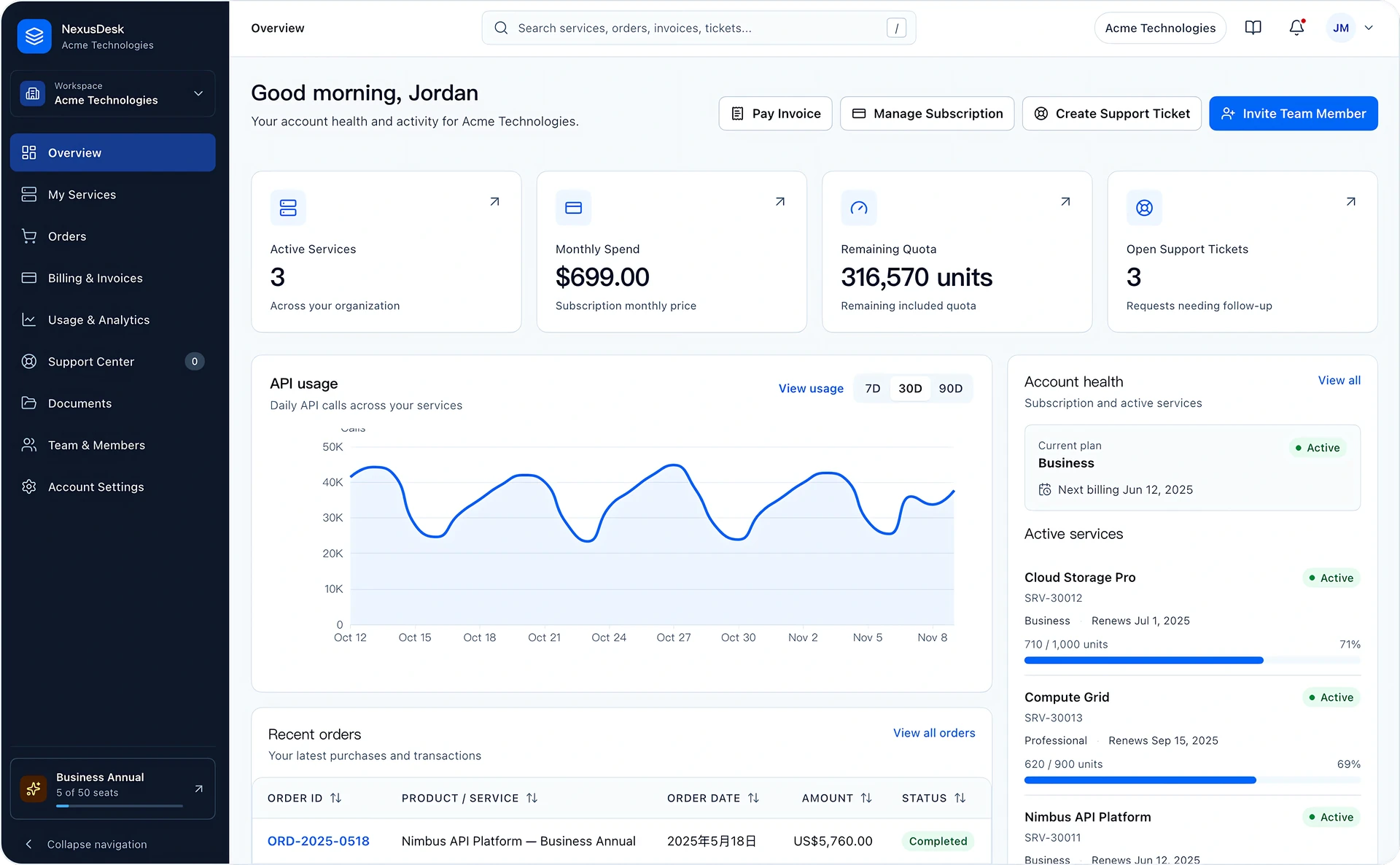 B2B SaaS Customer Portal
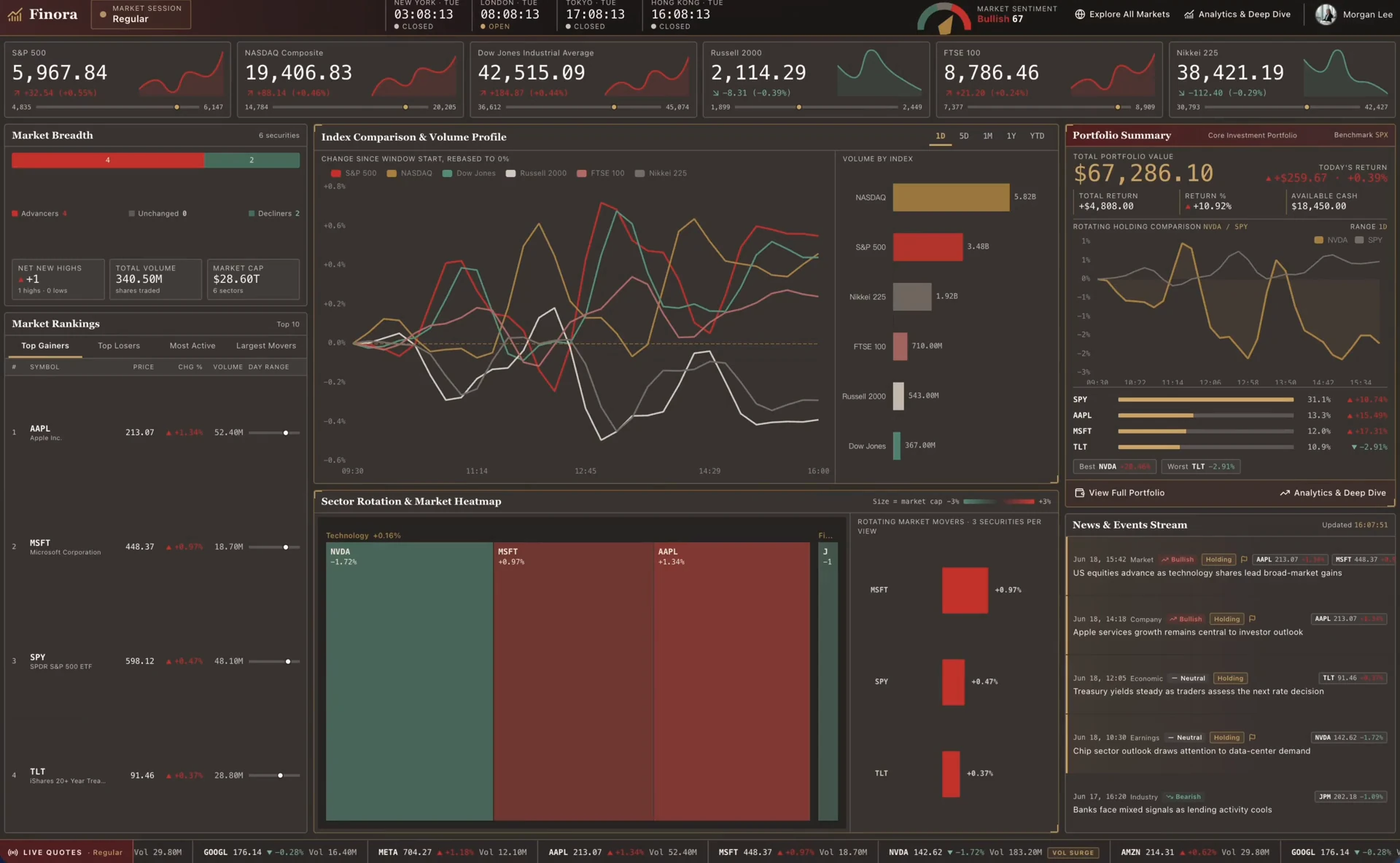 Finora Market Monitor
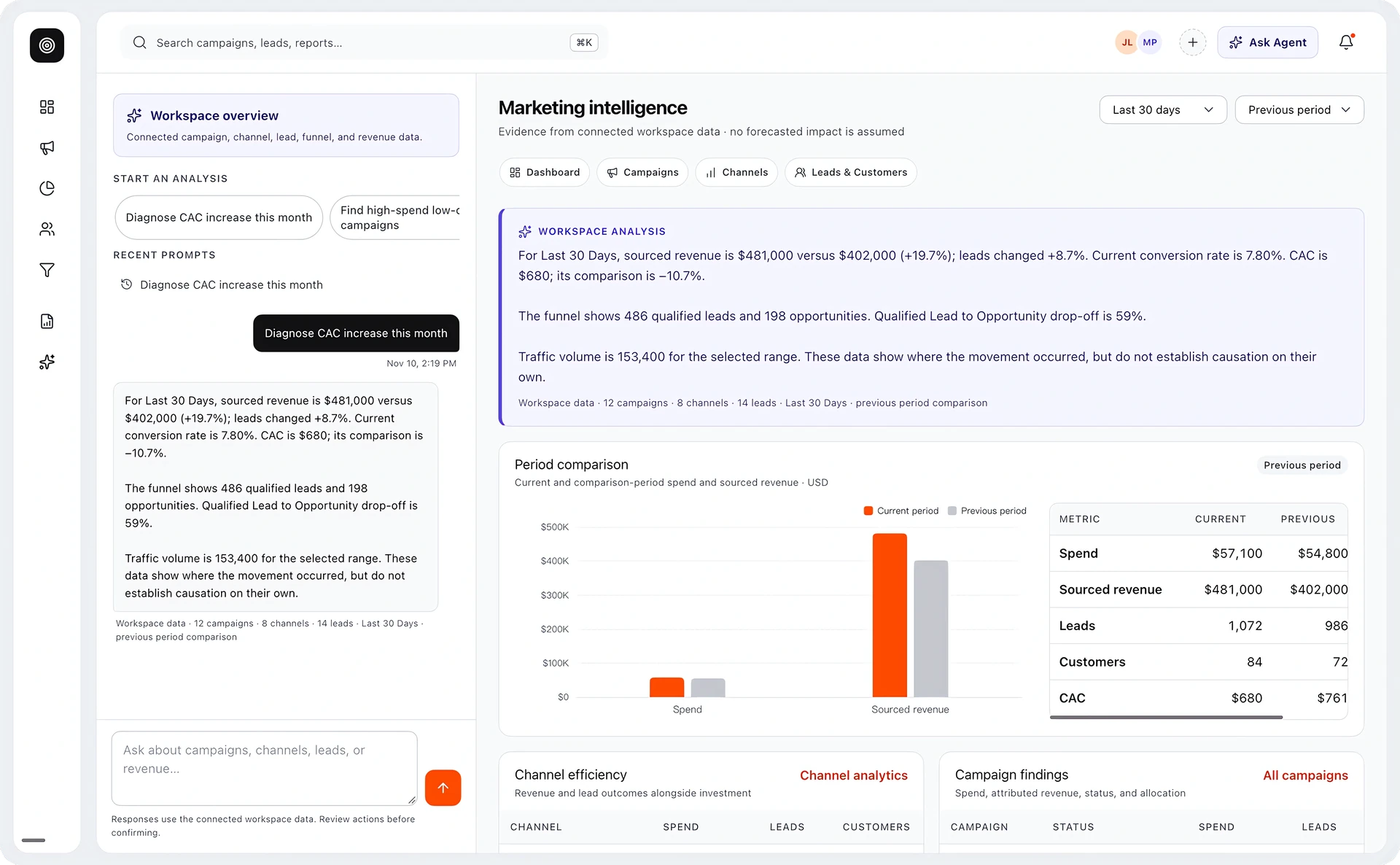 Marketing Intelligence
 Wedding Invitation
 Hearty Candles
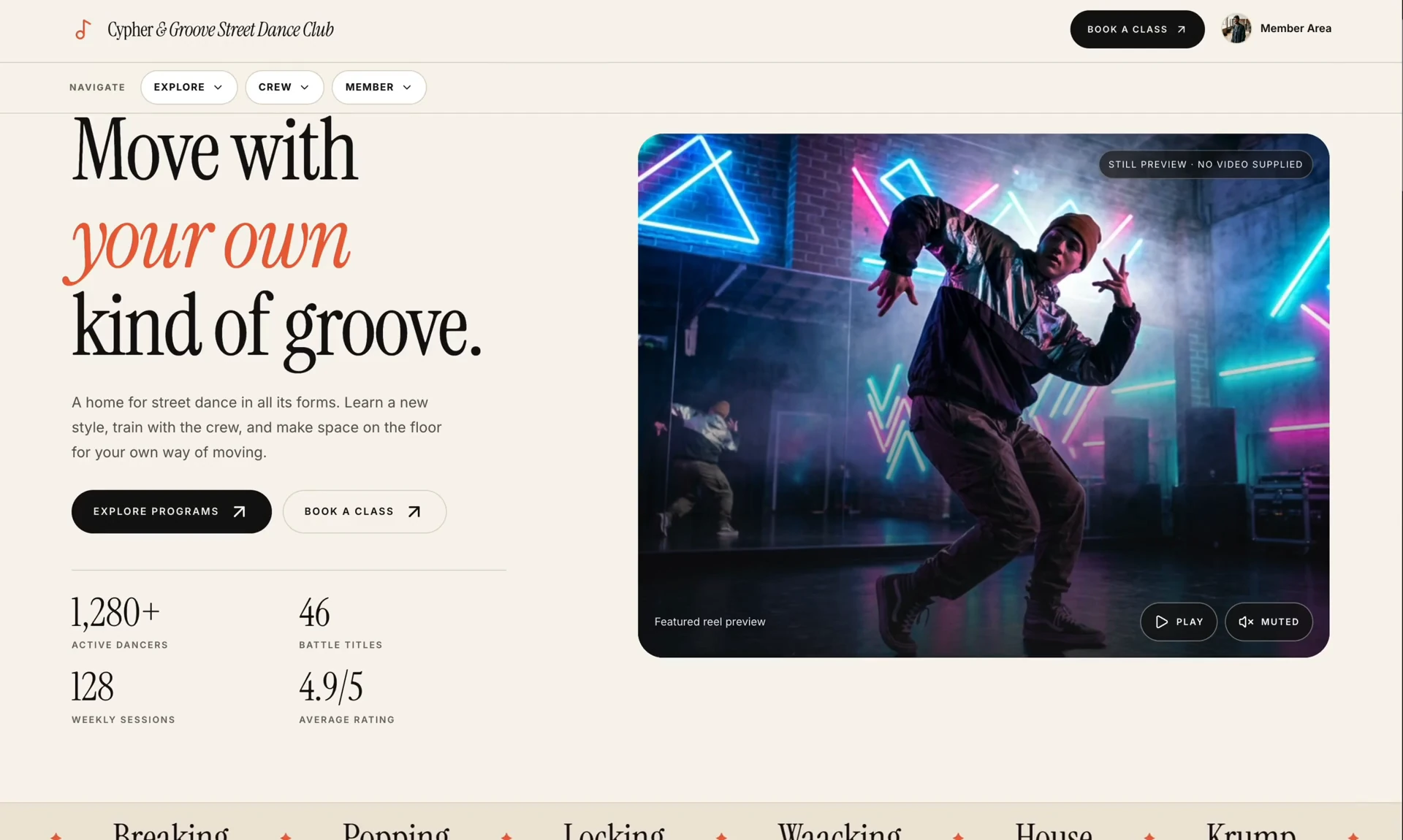 Cypher & Groove Street Dance Club
Ship Faster with Sketchflow
Choose from hundreds of production-ready templates for SaaS, eCommerce, portfolios, marketplaces, dashboards, and more.
Business Portals
Build custom business portals for clients, vendors and your employees. Two ends, one connected data loop, everything stays in sync.
Dashboards & Reporting
Turn your application data into clear, intuitive dashboards and metric cards automatically. No code required.
Built-in AI Agent
Embed AI agents that work for your users directly into applications, surface answers instantly, no training required.
Events & Personal
Create polished, tailored UI for special events or personal portfolios — each one shaped to its exact requirements.
E-Commerce
Integrate with trusted payment services such as Stripe to build secure online e-commerce marketplaces.
Online Community
Set up an online community with one click in Sketchflow and share a link to bring in new members—no hassle.
One Prompt to Full-Stack App
Describe your requirements and ship your full-stack application from one prompt. Sketchflow builds project-level apps with connected pages, consistent logic, and real user flows—not isolated screens.
Web Application
Build responsive web applications that adapt seamlessly to every screen size. Generate production-ready code and deploy with a single click.
Mobile App
AI-powered native apps for iOS and Android. Built with Swift for iOS and Kotlin for Android, delivering seamless performance across all devices.
Plan Your User Journey
Sketchflow organizes your product requirements into a structured user journey, allowing you to edit content and architecture using natural language. Visualize your product UX and modify it with ease.
Generate a Workflow Map
Translate product requirements into workflows, and visualize user journeys and application architecture.
Refine with Natural Language
Edit flows in natural language. Validate AI's understanding of requirements for better accuracy and faster creation.
Choose Your Generation Scope
Generate full app or selected flows. Preview initial output before planning next development steps.
Professional UI, One Click Away
Turn your ideas into professional interfaces in seconds. Every screen is generated with modern UI patterns, thoughtful layouts, and a consistent design system.
Auto-Generate Custom Designs
Generate polished, intuitive interfaces tailored to your product requirements in seconds. Sketchflow combines proven design principles with diverse UI components to align with your app's design and functionality.
Project Integrity Check & Fix
AI automatically checks your project's navigation flows for logical gaps and broken paths, lists detected issues, and fixes them with one click. Keep your user flows logical and connected.
Real-Time Design Previews
Share interactive design previews and let your team or stakeholders see real-time updates. No barriers, perfectly aligned, and built for fast iteration.
Enterprise-Grade Architecture, No Vendor Lock-In
Generate production-ready Spring Boot and NestJS backends that support complex business logic and enterprise-grade architecture. Take full control of your backend with maintainable, extensible code that's ready to build on.
Enterprise-Ready Frameworks
Generate production-ready Spring Boot and NestJS backends built for complex business logic and enterprise-scale applications. Deploy anywhere with full control over your backend infrastructure.
Native Code Generation (for Mobile)
Instead of relying on cross-platform frameworks, Sketchflow generates native mobile app code, delivering more reliable, maintainable frontends and a smoother user experience.
Full Code Ownership
Own every line of generated code. Export clean, maintainable full-stack code with no vendor lock-in. Customize, deploy, and scale your application with complete control.
Generate Integrations for Your Needs
AI identifies your app's integration needs and generates the required APIs, configurations, and environment variables automatically.
Configure External Services
Simply enter and manage your credentials to connect third-party services in a secure configuration environment.
API Connectivity Test
Once configuration is complete, the API connectivity test is triggered automatically, comprehensively checking API call status with real-time feedback on code runtime status to ensure all integrations are stable and launch-ready.
Automated Testing and Code Fixes
Automatically test your generated application and detect potential issues. AI fixes validated errors and retests the code to ensure reliable, high-quality results.
Deploy and Run Mobile Apps
Once configured, your mobile app is fully deployed. Publish and run it in a simulator to test functionality, performance, and the overall user experience.
Host and Publish Directly in Sketchflow
Publish your web app with one click and get a shareable URL instantly. No additional hosting setup required—just deploy, customize, and share.
Refine your app anytime with natural language. AI Assistant handles logic, features, design, code and third-party integrations.
Iterate Anytime with AI Assistant
Refine your application anytime, anywhere through natural language. AI Assistant helps you modify product logic, enhance features, update designs and code, and set up third-party integrations throughout your entire app-building journey.
Build Alongside AI
Polish fine design details
Upload reference images
FrequentlyAsked Questions
What is an AI app builder?
An AI app builder automatically generates layouts, pages, elements, images, and design systems based on your prompts. AI-driven engineering transforms natural language into multi-platform applications.
What is Sketchflow.ai?
Sketchflow.ai is an AI app builder that generates complete, shippable applications for web, iOS, Android, desktop or tablet—all from a single prompt.
As an AI full-stack app builder, Sketchflow empowers users to build everything from layouts and user flows to fully functional applications with backend logic and third-party integrations.
What types of applications can Sketchflow.ai help me build?
Sketchflow.ai is a smart builder capable of handling a wide range of project-level applications. Its capabilities include but are not limited to: SaaS dashboards, client portals, corporate websites, educational portals, AI tool interfaces, personal productivity tools and portfolio sites. In addition to creating complete apps, Sketchflow also supports rapid prototyping.
How do I build an application?
In Sketchflow.ai, you can build a high-performance application following these steps:
1. Input your requirements into the Sketchflow chatbox.
2. Edit the user journey map in Sketchflow Plan Mode.
3. Refine layouts, pages, and components with Sketchflow AI assistant or precision editor.
4. Bring your application to life by integrating third-party APIs for your custom functionality.
5. Let Sketchflow verify every build before deployment, run automated tests and rebuild.
6. One click to publish your app and customize your subdomain.
What makes Sketchflow’s native output different from other AI app builders?
Some app builders produce "spaghetti code" that is impossible to maintain. Sketchflow focuses on architectural integrity, outputting human-readable, modular code organized under the MVVM pattern. This means your engineering team can seamlessly take over the codebase and scale the project without ever hitting a "black-box" ceiling.
Can I own the code while building?
Absolutely, you have full source code ownership with Sketchflow. Whether you are building for web or mobile, every line of code is completely transparent and accessible from day one. Unlike traditional no-code tools, Sketchflow eliminates vendor lock-in by providing production-grade, full-stack code. And the code belongs to you forever.
What kinds of integrations does Sketchflow support?
Sketchflow.ai supports app-level integration. You can connect to any third-party service in your app. Simply describe your requirements or upload the API documentation before generating code, and configure secure environment variables with the generated backend services — no code changes required.
How are applications deployed in Sketchflow?
After building and refining your app in Sketchflow, deploy it to AWS with a single click. Once deployed, you can customize your subdomain to create a unique, shareable URL, then copy and share it with teammates and stakeholders.